How to add a missing mosque or fix a wrong one
To add a missing UK mosque in NearMasjid, tap Add a mosque on the Mosques tab, place the pin, enter its name and tap Submit mosque. To fix any mosque, open it and tap Report issue (Incorrect location, Missing info, Closed or relocated, or Other). Everything is reviewed before it changes for everyone.
Add a missing mosque (UK)
- Open the Mosques tab and tap Add a mosque (shown under “Can’t find a mosque?”).
- Drag the map, search a postcode or tap Use my location to place the pin on the mosque.
- Enter the Mosque name. Address, postcode, sect or school and notes are optional.
- Tap Submit mosque.
Fix a mosque’s details (anywhere)
Open the mosque and tap Report issue, then choose Incorrect location, Missing info, Closed or relocated or Other.
Suggest facilities
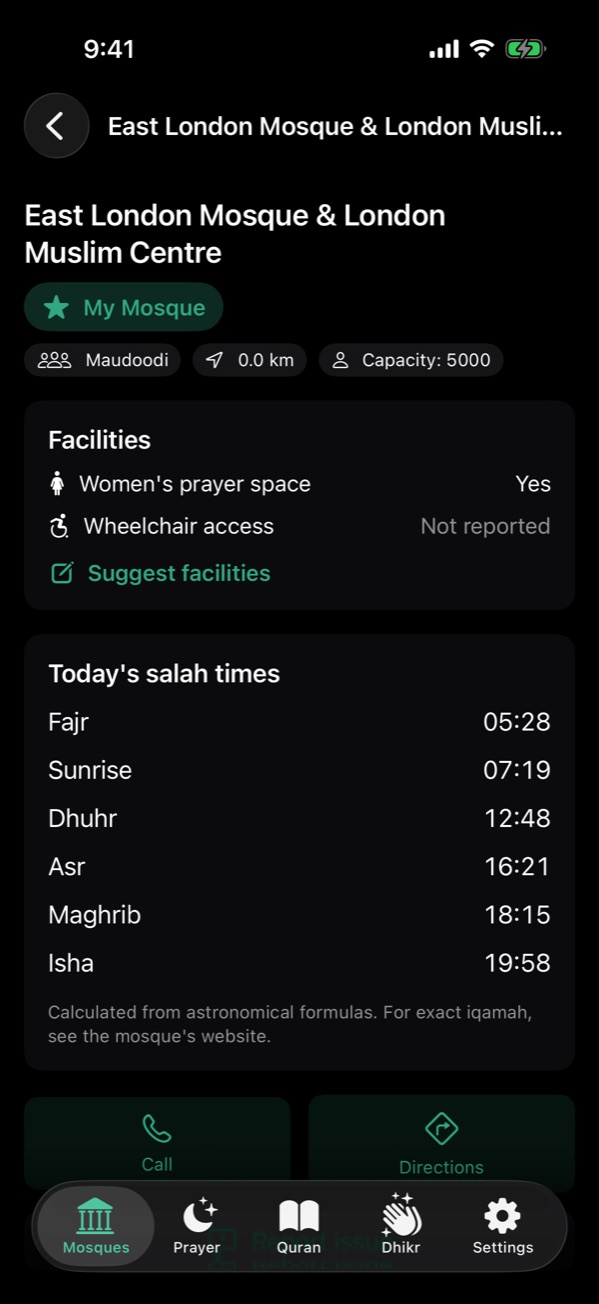
Open the mosque and tap Suggest facilities to say whether it has a women’s prayer space, wheelchair access, a wudu area or parking. Only answer what you know.
Outside the UK
Add or edit the mosque on OpenStreetMap. NearMasjid’s data packs and the city pages on this website come from OpenStreetMap, so your edit helps everyone at the next data refresh.
A map the community keeps right
Add a missing masjid, suggest facilities or report a problem from inside NearMasjid. Submissions are checked before they are published.
Download on the App StoreFree for iPhone and iPad. No ads, no account, no in-app purchases.
Frequently asked questions
Can I add a mosque outside the UK?
Not in the app yet; adding is available for UK mosques. Outside the UK you can add the mosque to OpenStreetMap, which NearMasjid and this website use.
Do I need an account?
No. Submissions are anonymous. To prevent spam the app proves it is genuine with Apple’s App Attest and there is a daily limit.
What if I’m offline?
Your submission is saved on your device and sent for review when you’re back online.