
Plan Route
Every mosque along your drive, in order
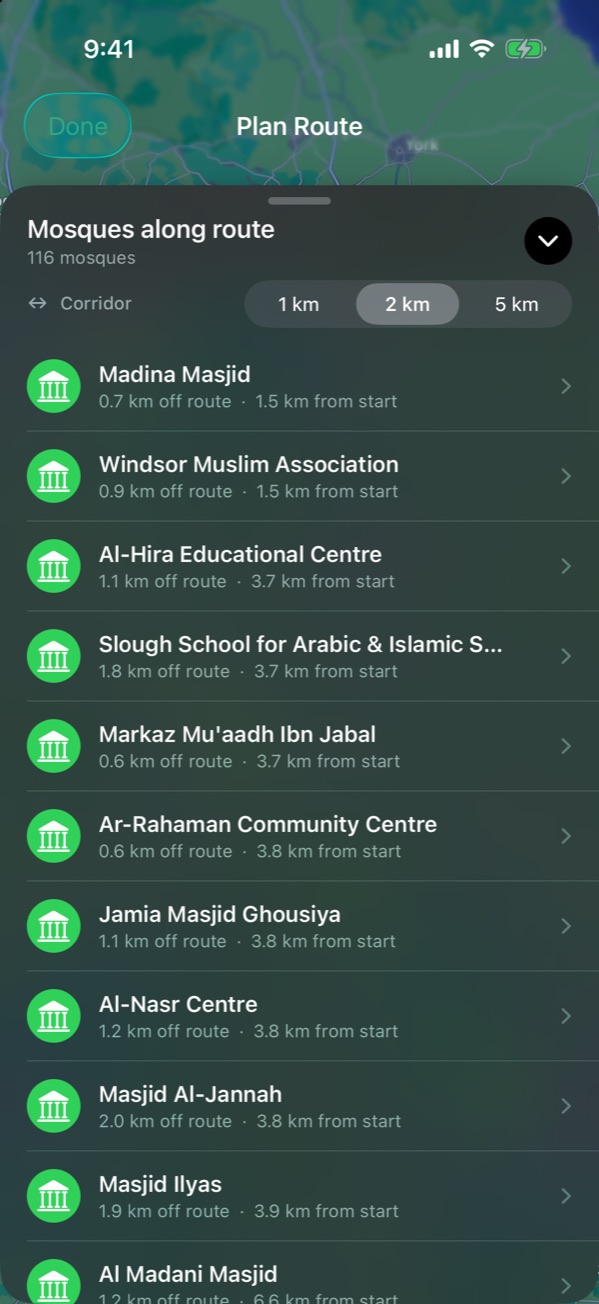
Tap Plan Route, set where you start and where you’re going, and NearMasjid lists every mosque along the drive in order from your start, with how far each one sits off the road.
- Start and destination by place name or postcode
- Mosques listed in driving order, not by distance from where you stand
- How far each mosque sits off the road
- A 1, 2 or 5 km corridor, so you choose how far you’ll detour
- Open any mosque for facilities and today’s prayer times
Free for iPhone and iPad. No ads, no account, no in-app purchases.
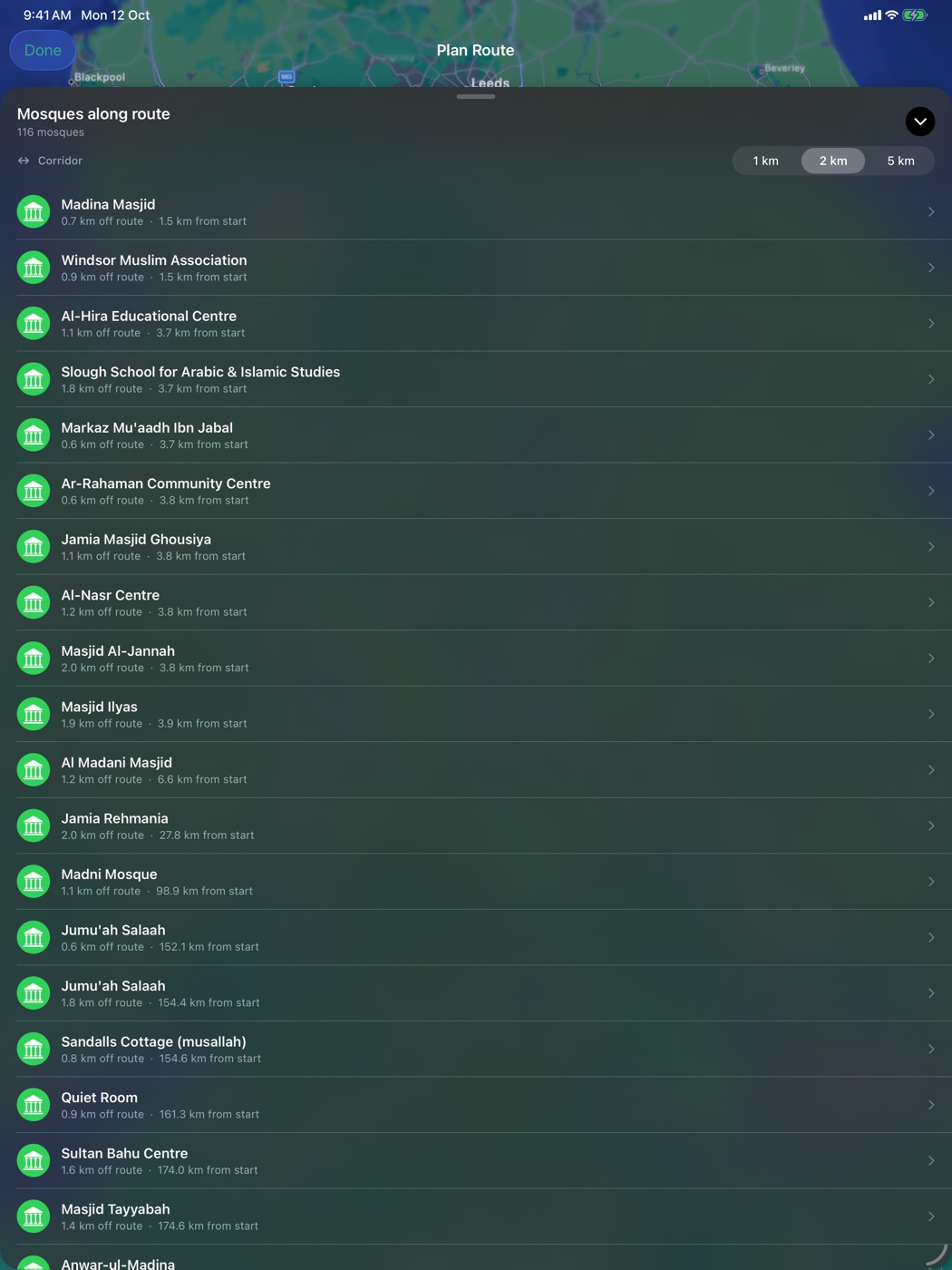
On iPad
Frequently asked questions
How is Plan Route different from searching “mosque near me”?
A nearby search shows mosques around where you are now. Plan Route shows the mosques along the whole journey, in the order you will reach them.
Does it work for long motorway drives?
Yes. For example, Windsor to Manchester lists the mosques along the route in order from Windsor.
Related guides
More features
Mosque finder