
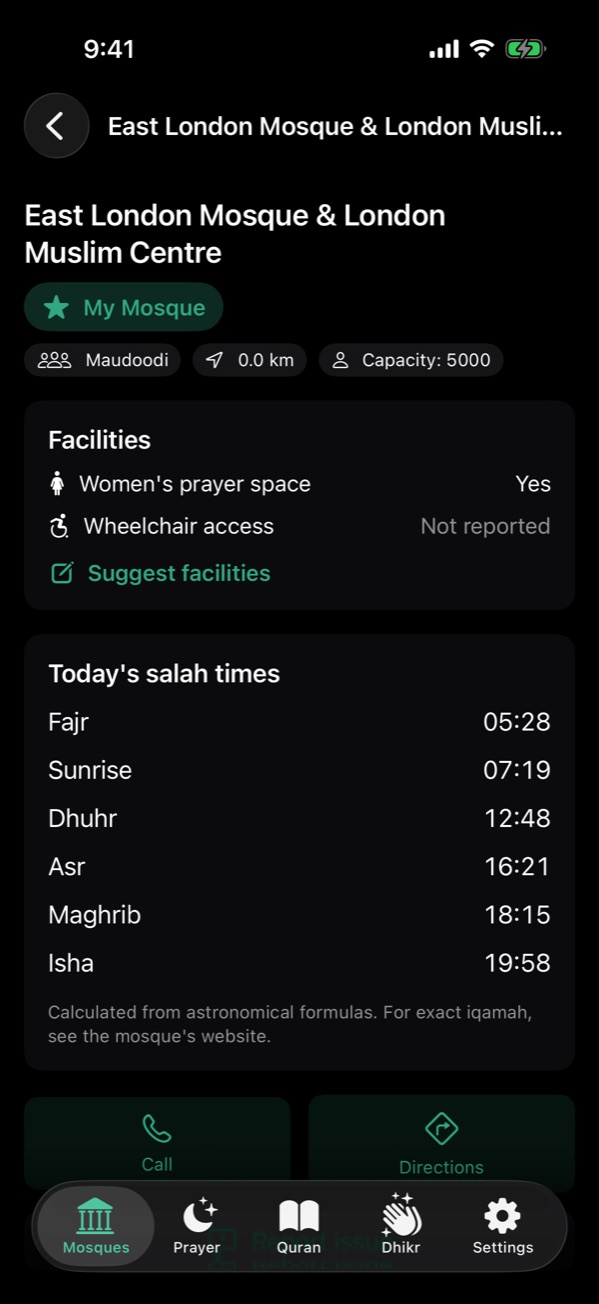
My Mosque
Your mosque’s next prayer on your Home Screen
Star the mosque you pray at. Its next prayer and a countdown appear in a Home Screen or Lock Screen widget, and one tap opens the mosque in the app.
- Set any mosque as My Mosque
- Home Screen and Lock Screen widgets with the next prayer and a countdown
- One tap opens the mosque
- Daily dhikr and salawat widgets too
Free for iPhone and iPad. No ads, no account, no in-app purchases.
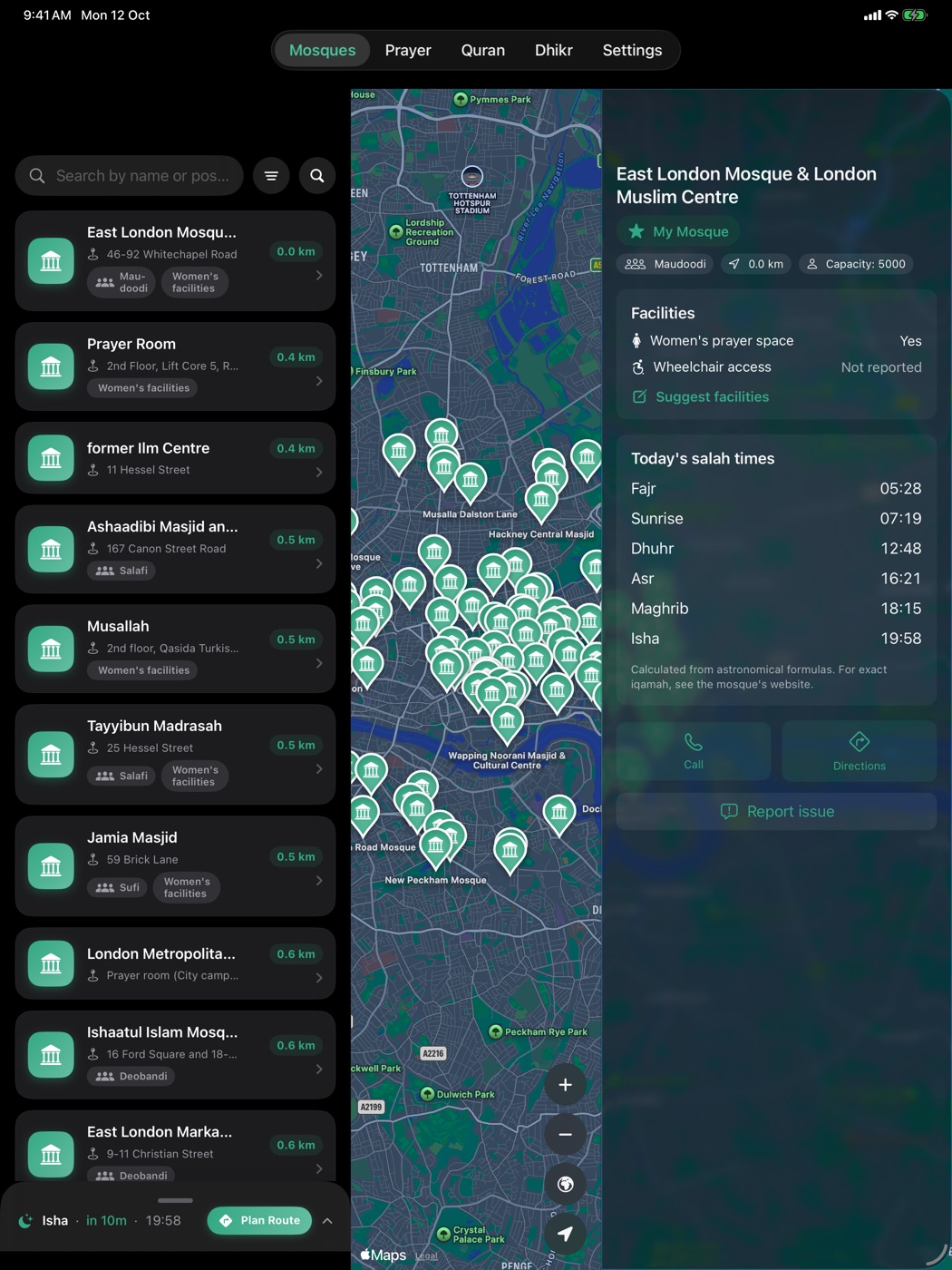
On iPad
Frequently asked questions
How do I add the widget?
Set a mosque as My Mosque, then touch and hold your Home Screen, tap Edit, Add Widget, and choose NearMasjid.
Related guides
More features
Mosque finder